
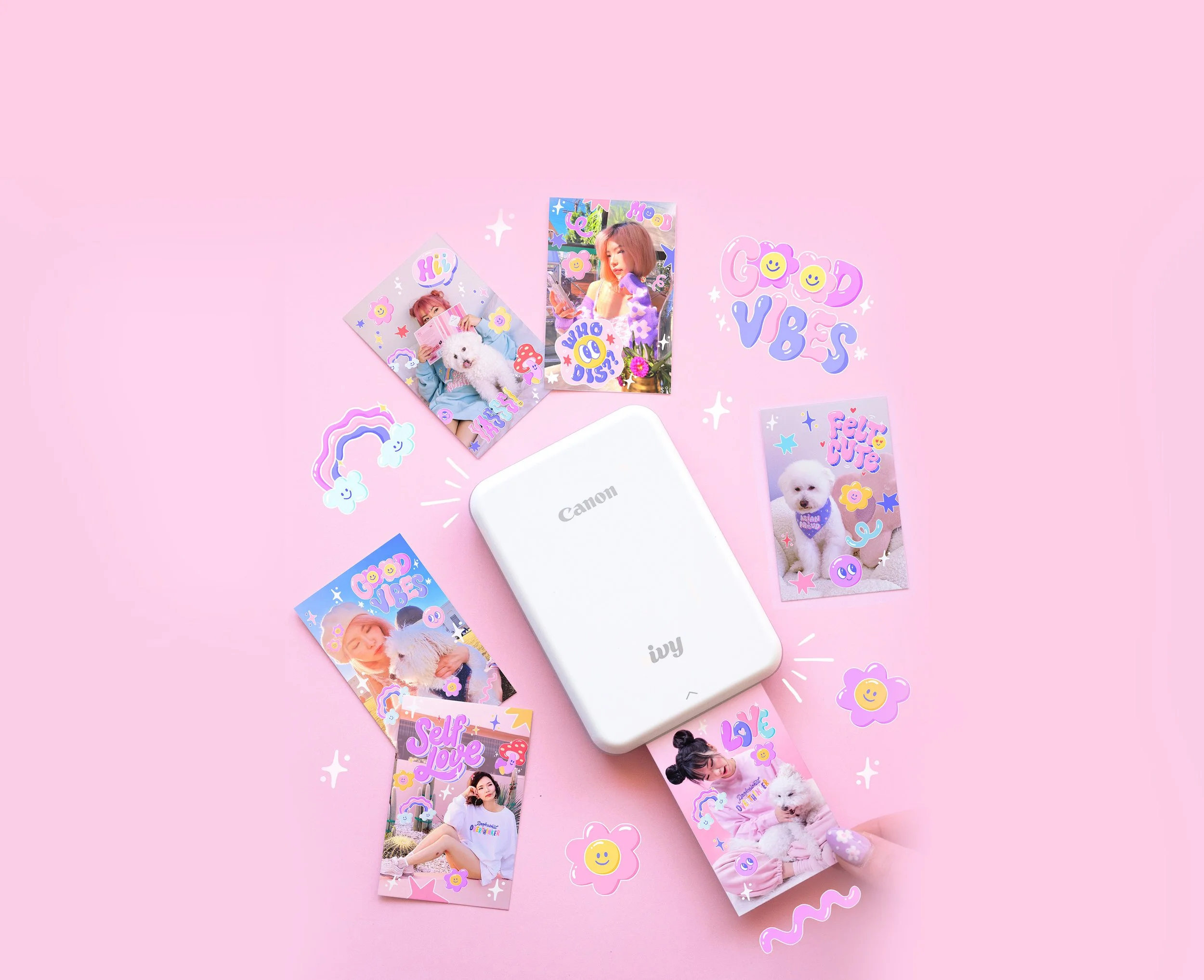
Canon Ivy Mini
IN-APP ILLUSTRATION & SOCIAL CAMPAIGN
The Partner Canon IVY is Canon USA's flagship line of instant cameras and mini photo printers built for Gen Z creators. The companion Canon IVY Mini Print app lets users customize their photos with stickers, frames, and filters before printing on 2x3-inch peel-and-stick photo paper.
The Opportunity Canon approached me to create a seasonal sticker and frame pack for the app around New Year's. After some back and forth, I proposed pivoting from a seasonal theme to something with a longer shelf life: a self-care and positivity collection rooted in Gen Z culture. Canon loved the idea and greenlit the direction.
The Goal Create an in-app sticker and frame pack that would inspire IVY Mini owners to pick up the app and print more, while feeling personal, fun, and genuinely reflective of how Gen Z expresses themselves.
My Role Creative Direction · Concept Development · Illustration · Photography & Social Content Production
The Deliverables In-App Sticker Packs · Instagram Stories · Instagram Reel
Stickers That Stick Around
Canon came in with a New Year's theme. I pushed back, gently but clearly.
Seasonal content has a short shelf life. Most people set resolutions in January and forget them by February. I wanted to create something users would actually reach for year-round, something that felt personal and emotionally resonant any time they picked up the printer.
So I proposed a pivot: an evergreen self-care and positivity collection rooted in how Gen Z actually talks and expresses themselves. Canon said yes.
The Creative Direction
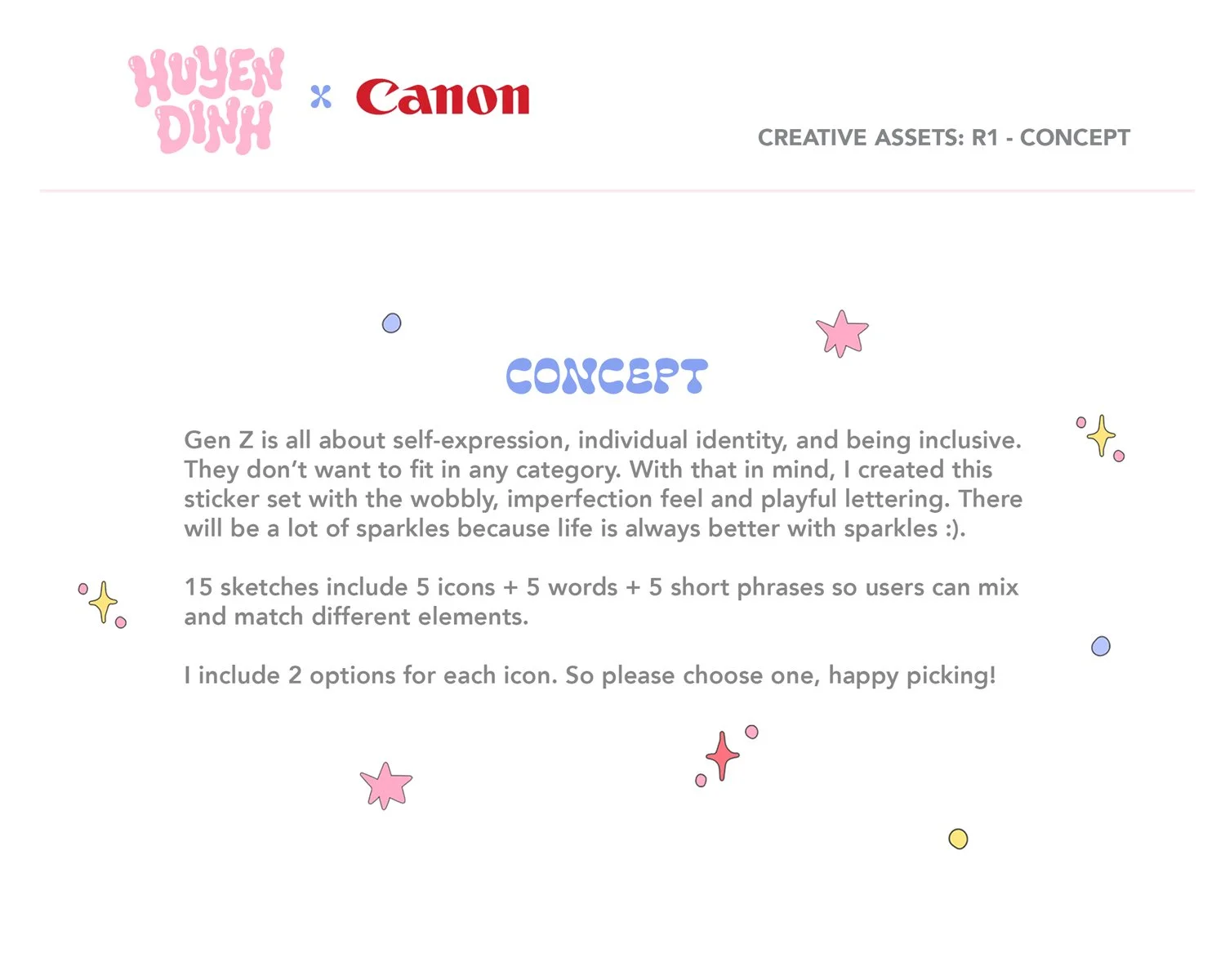
The visual approach came directly from my existing illustration style, which is what drew Canon to me in the first place. Hand-lettered phrases with a playful, slightly unpolished feel that intentionally break from the clean, corporate sticker packs already in the app. Sparkles were non-negotiable. They're shorthand for joy in Gen Z visual culture, and joy was the whole point.
The Content System
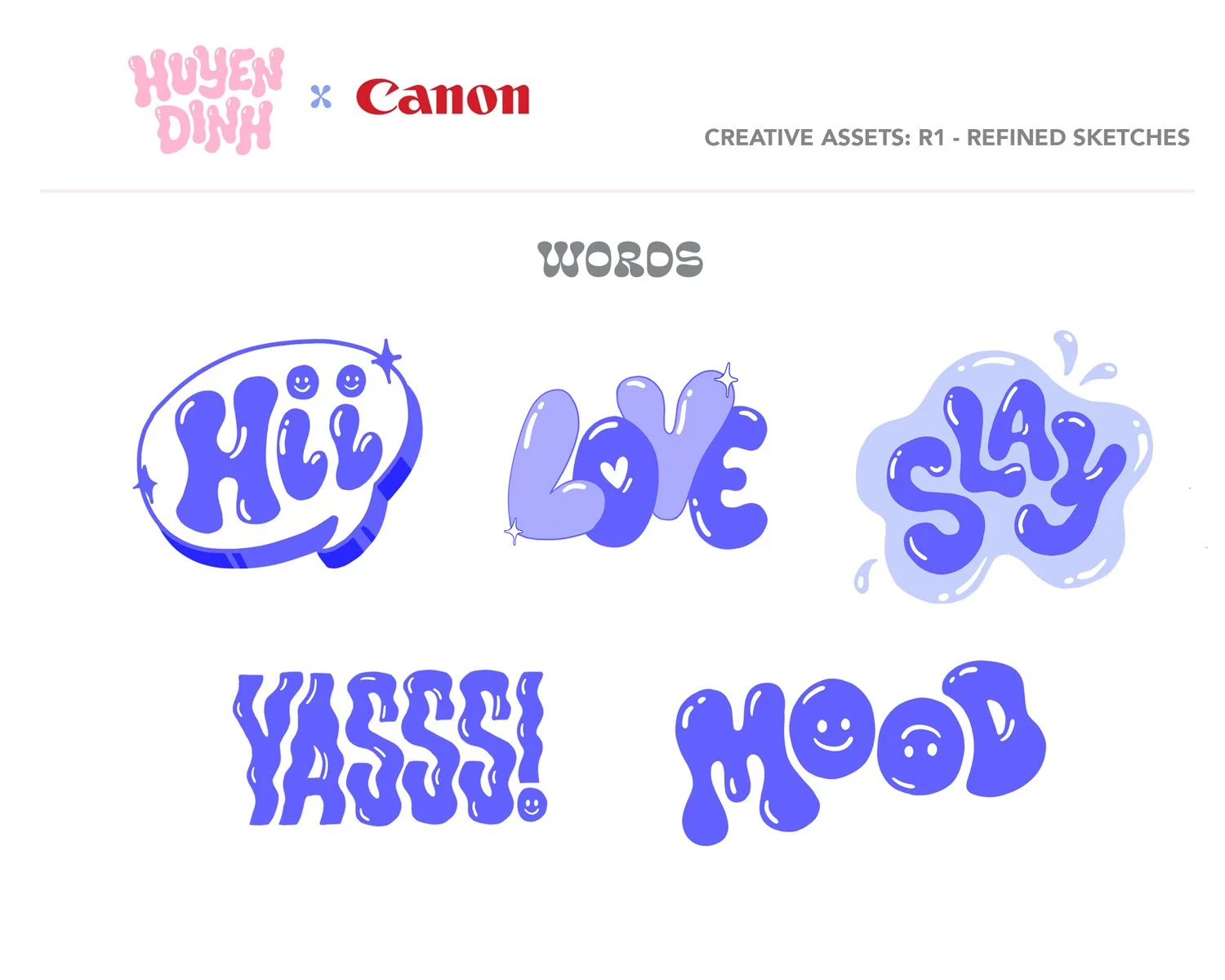
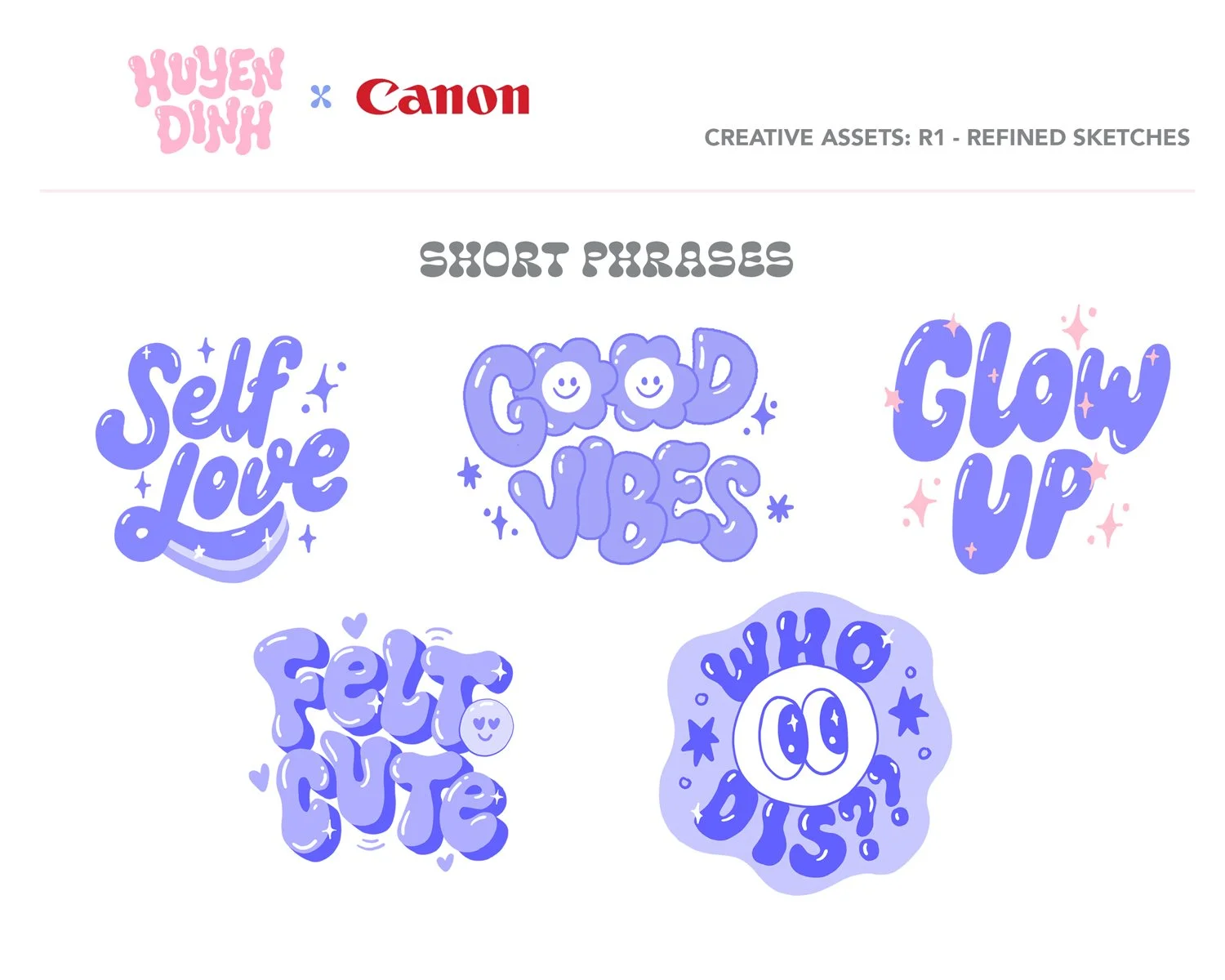
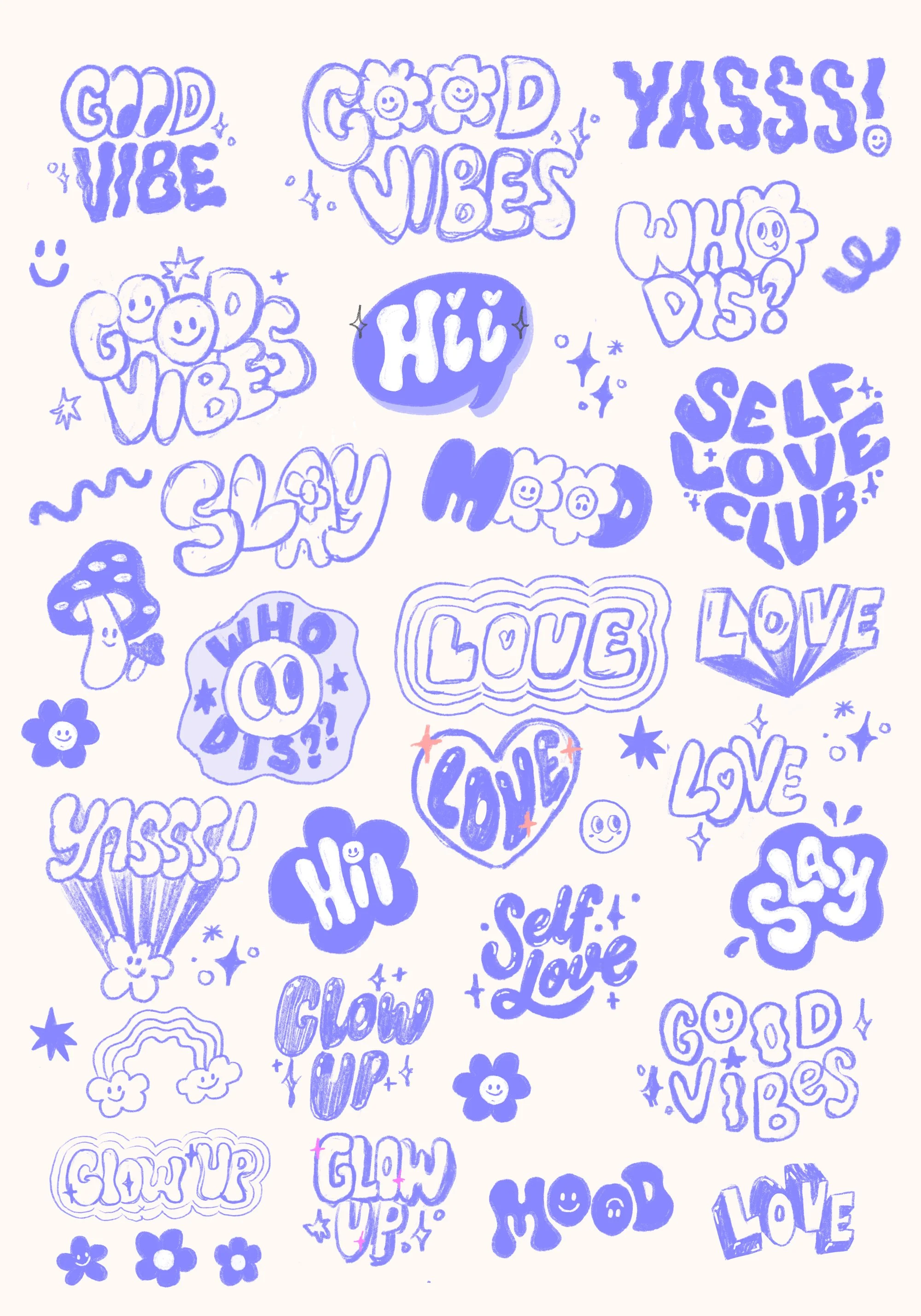
Rather than designing 15 standalone stickers, I structured the pack as a mix-and-match system: icons, words, and short phrases that users could layer and combine, making each printed photo feel uniquely theirs.
Before a single sketch, I brought Canon into the process sharing my top picks across icons, words, and phrases, and asking them to choose their favorites. Their selections locked the direction.
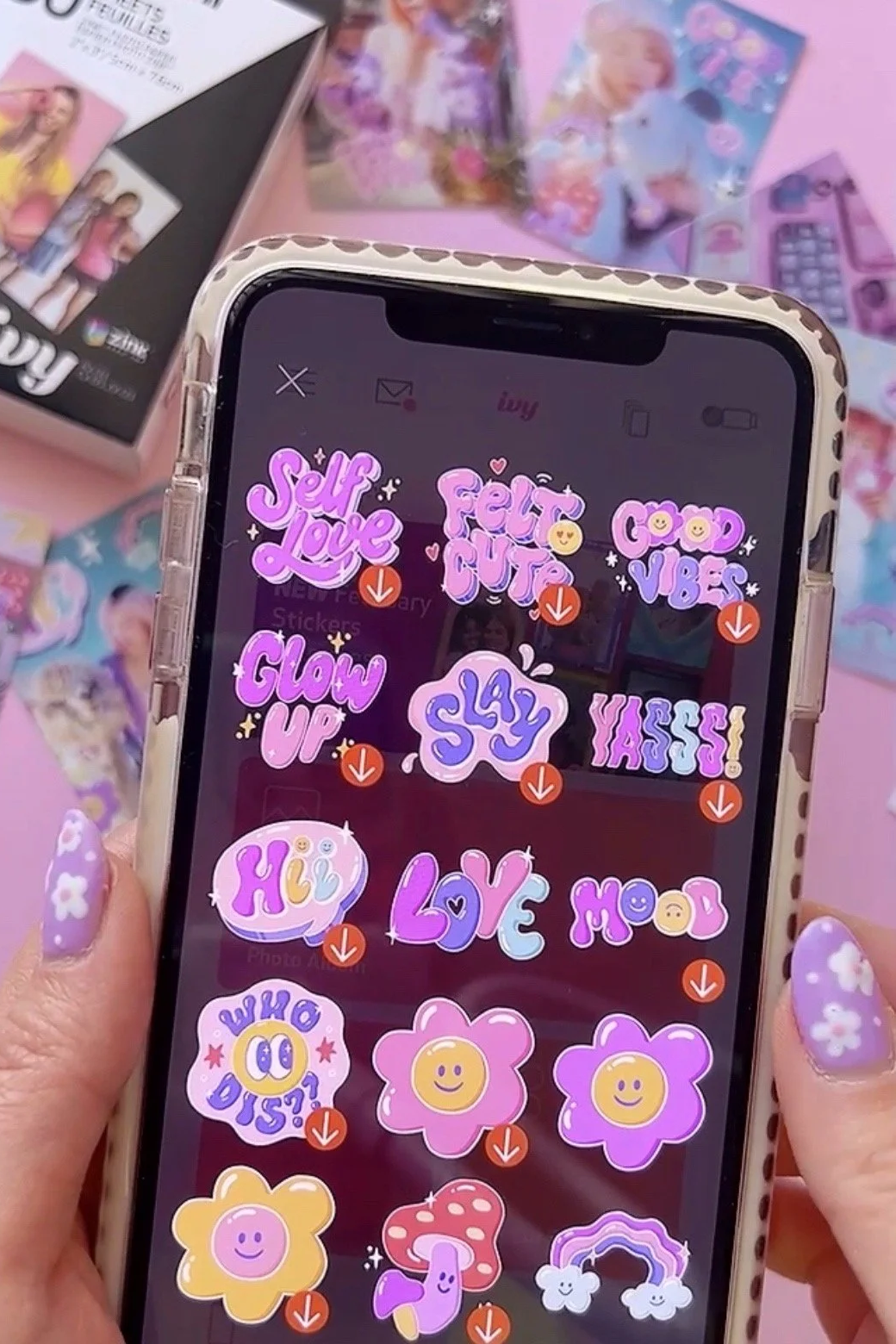
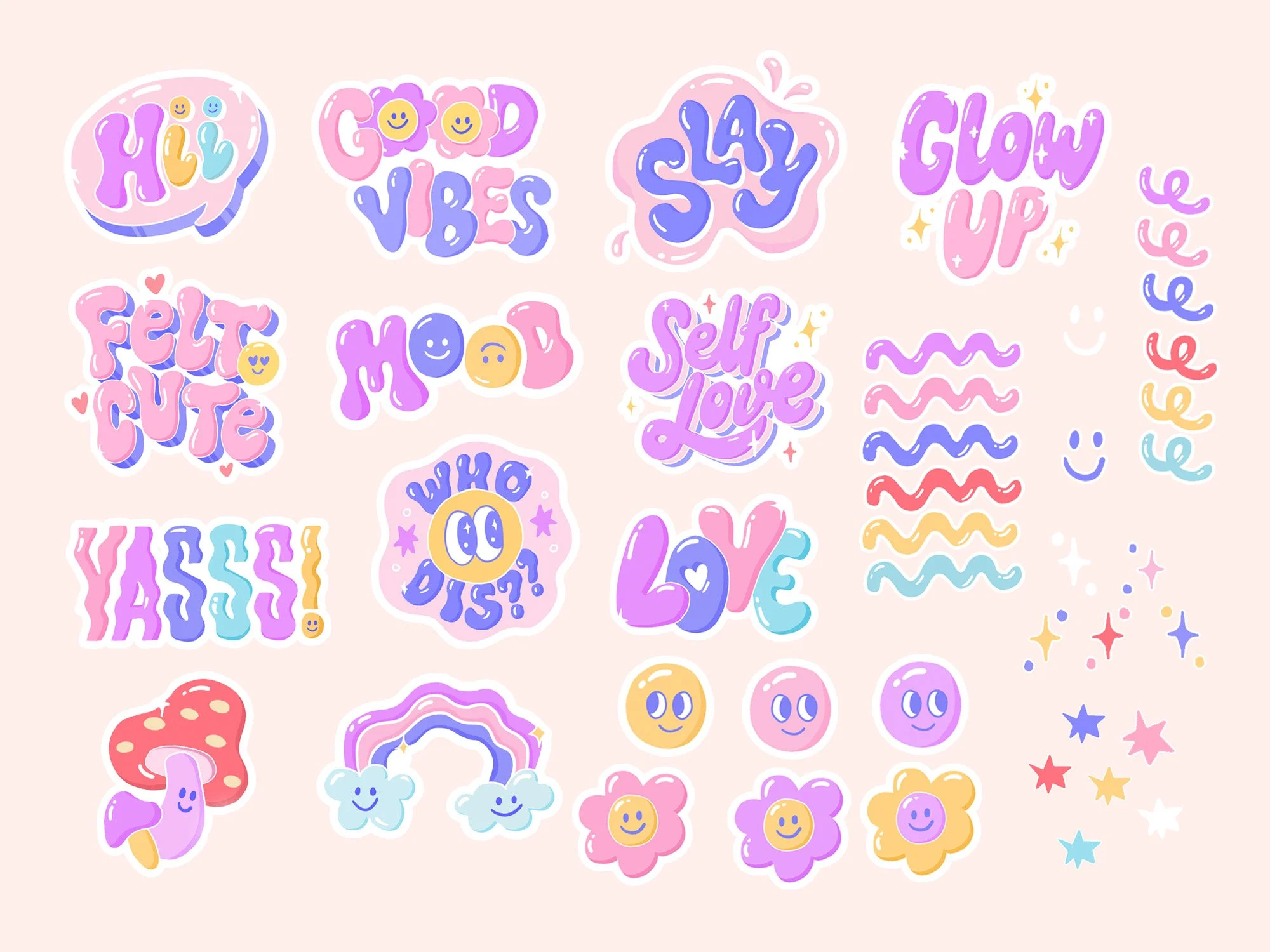
The Final Collection - Live in the Canon IVY Mini App
The Process
Phase 1: Concept & Loose Sketches
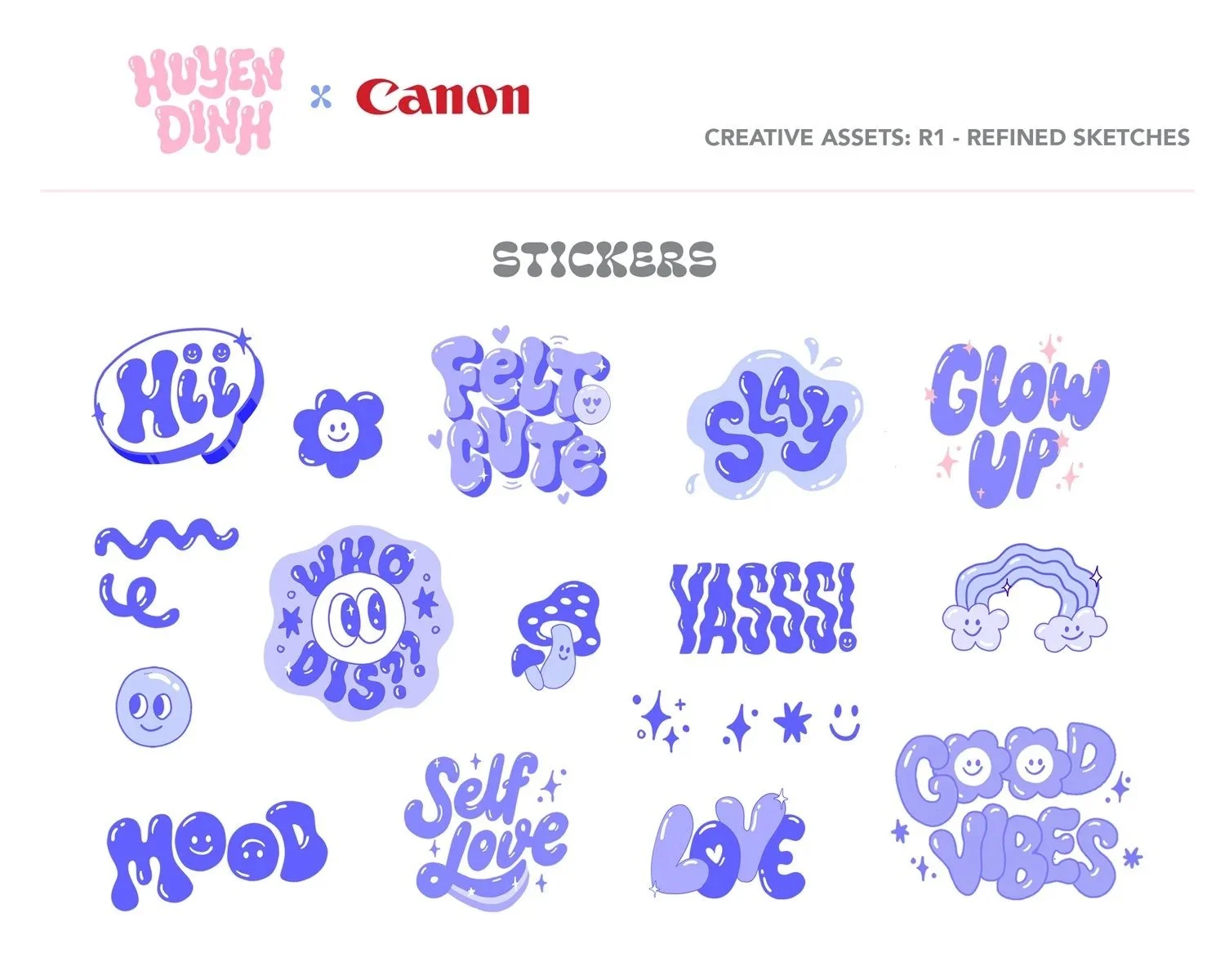
With content direction locked, I moved into loose sketches and presented two design options for each element, giving Canon clear choices at every step. I also recommended adding flowers and mushrooms to the icon set. Both were trending heavily with Gen Z at the time and Canon approved both.
Phase 2: Refined Sketches & Color
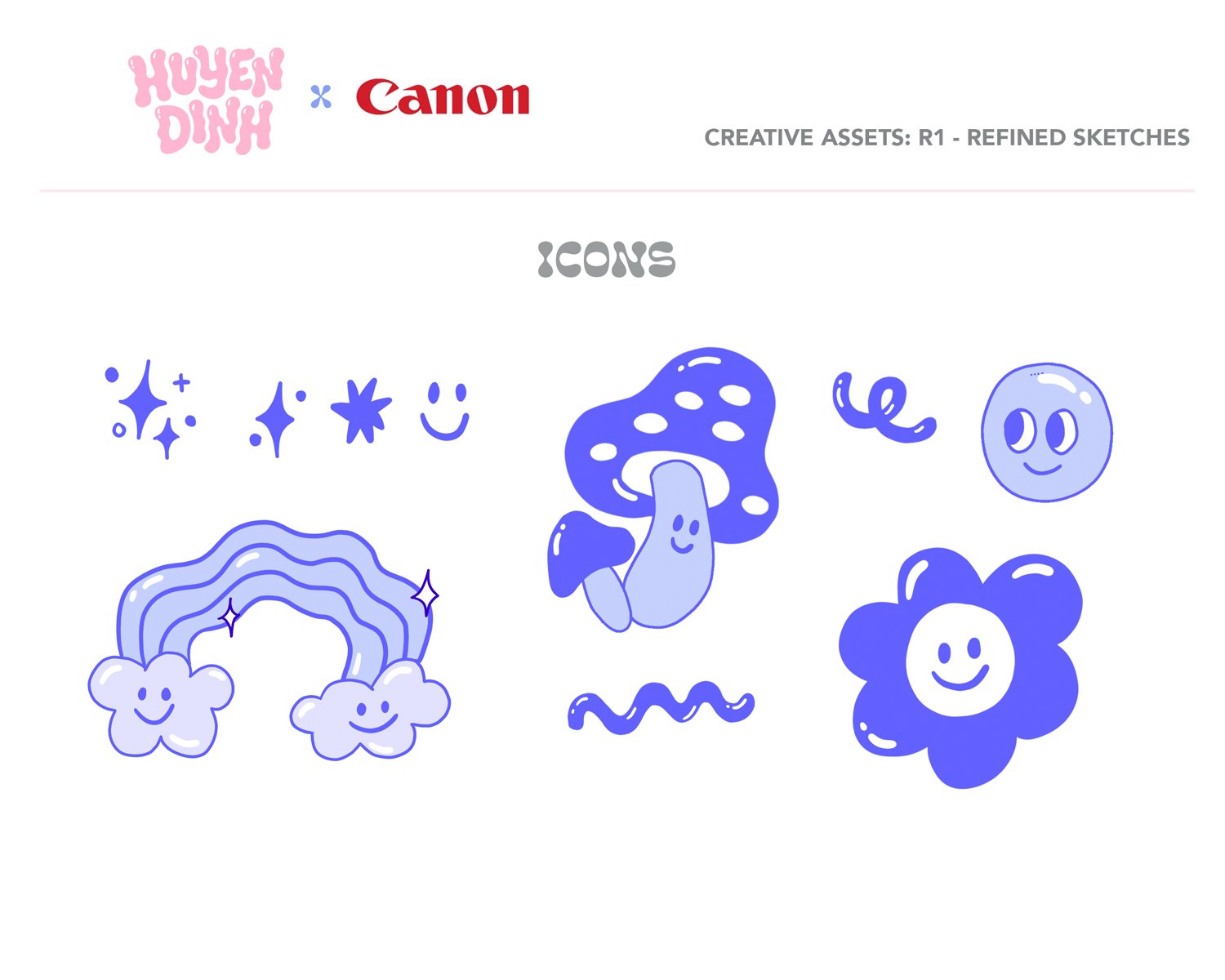
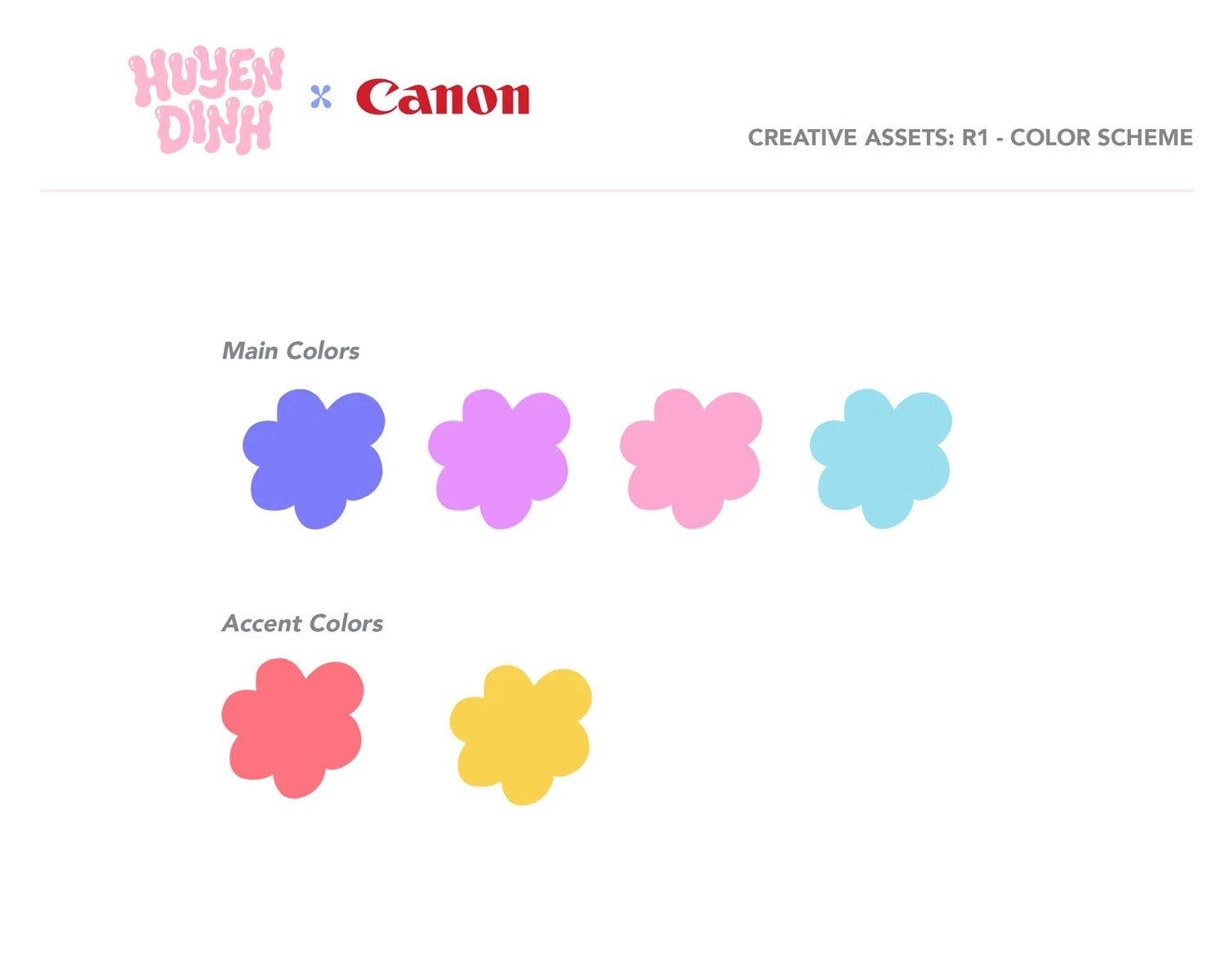
I refined the selected directions and introduced the color system: four pastel mains - periwinkle, lilac, pink, and sky blue - with red and yellow accents.
Lifestyle mockups showing the stickers layered on real photos helped Canon visualize the final product in context.

Phase 3: Final Polish
Glossy, dimensional lettering. Full color. Everything clicked into place.
Social Storytelling
To launch the campaign, I created a series of Instagram Reels that went beyond a standard ad. Instead of showing what the tool does, I showed how I personally use it as a small business owner.
The Feed Posts
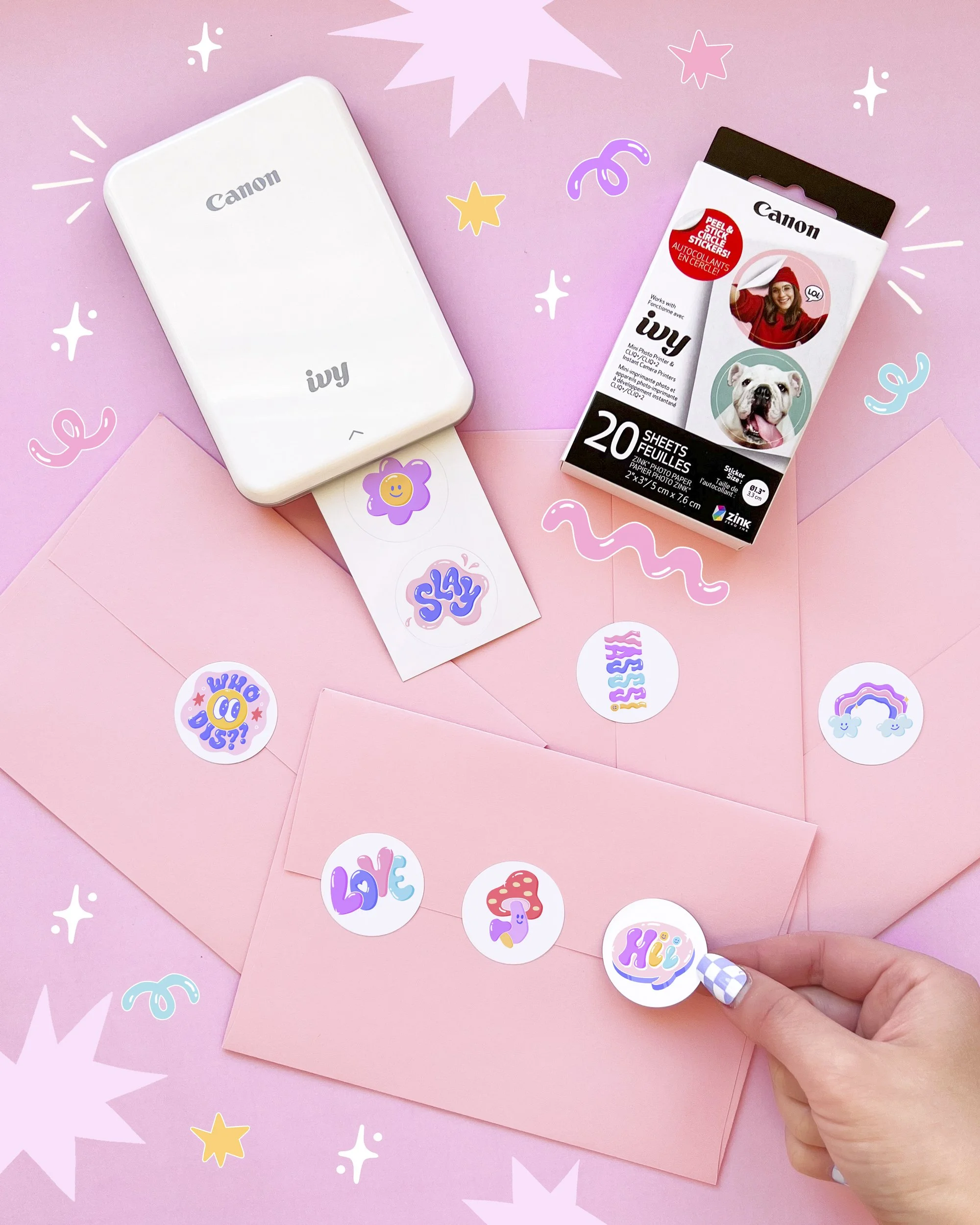
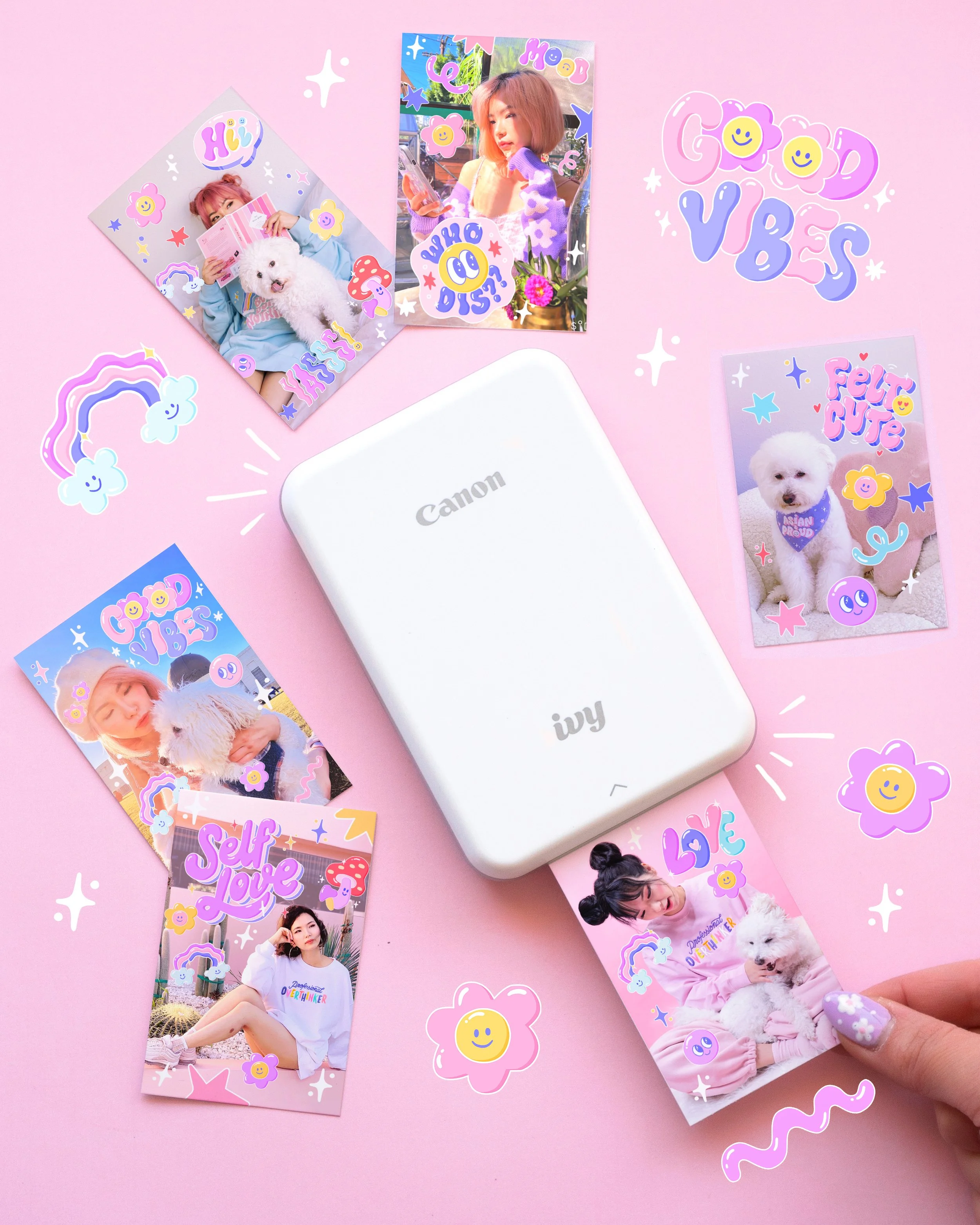
Both posts were styled and shot by me on a pink backdrop, with one featuring the rectangular photo paper format and the other the circular sticker format. Together, they made one point: the same printer, completely different results depending on how you use it.
The Reel
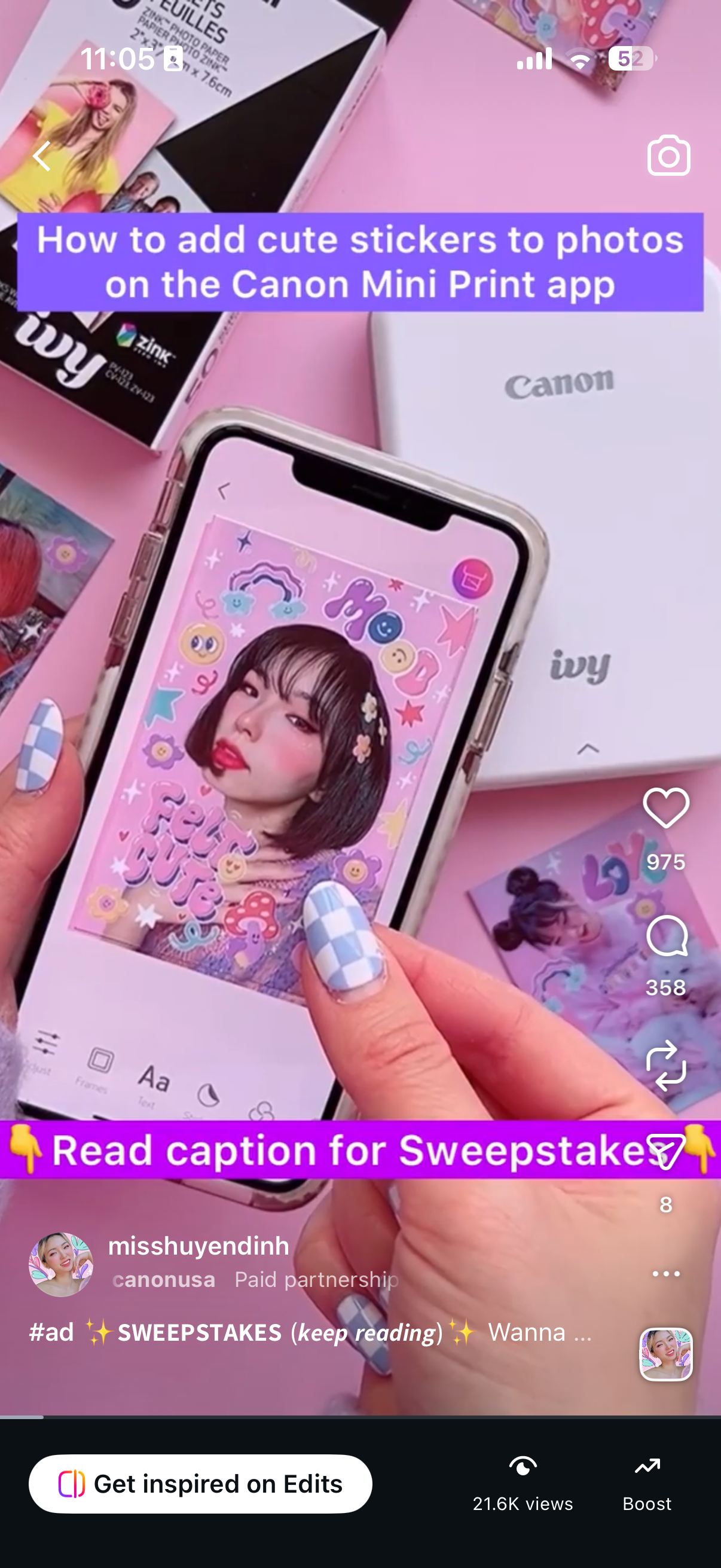
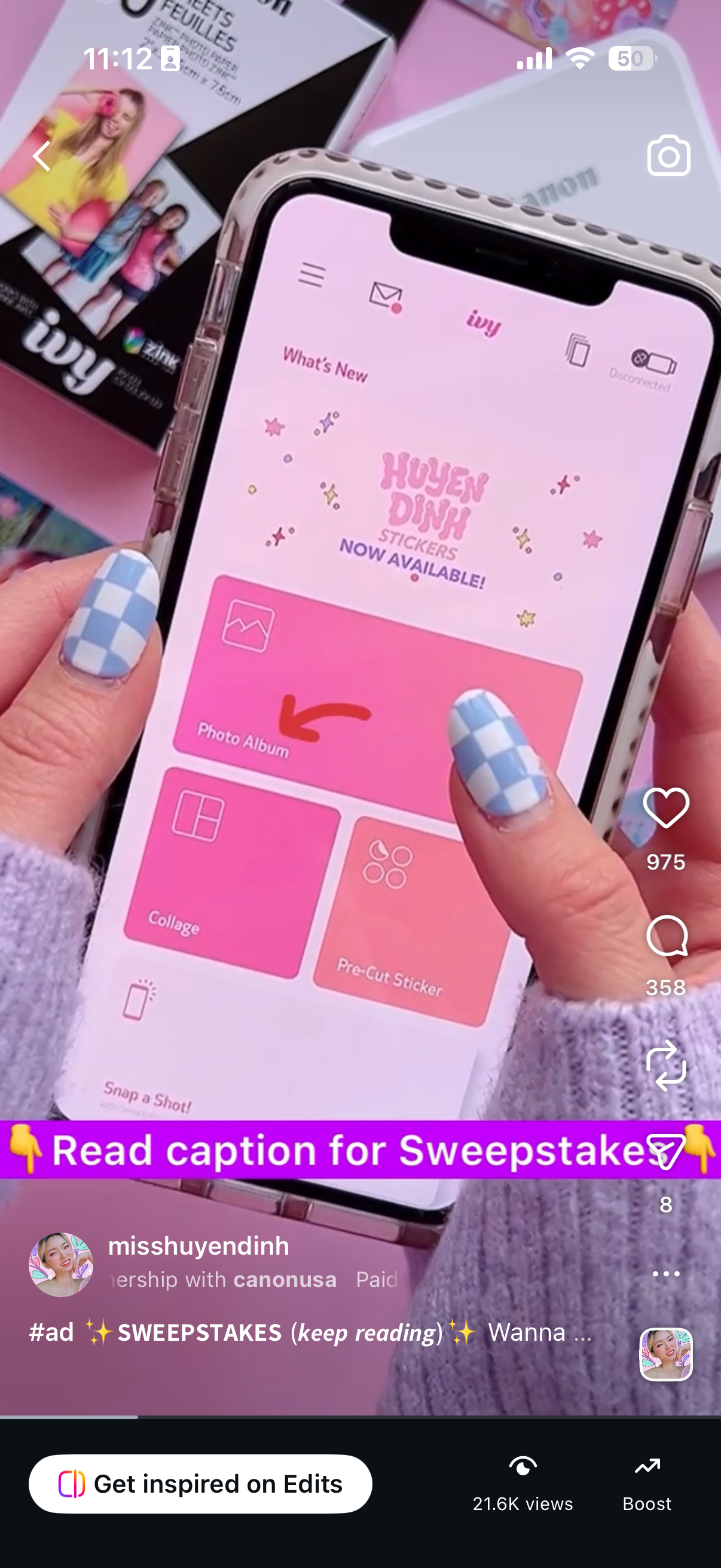
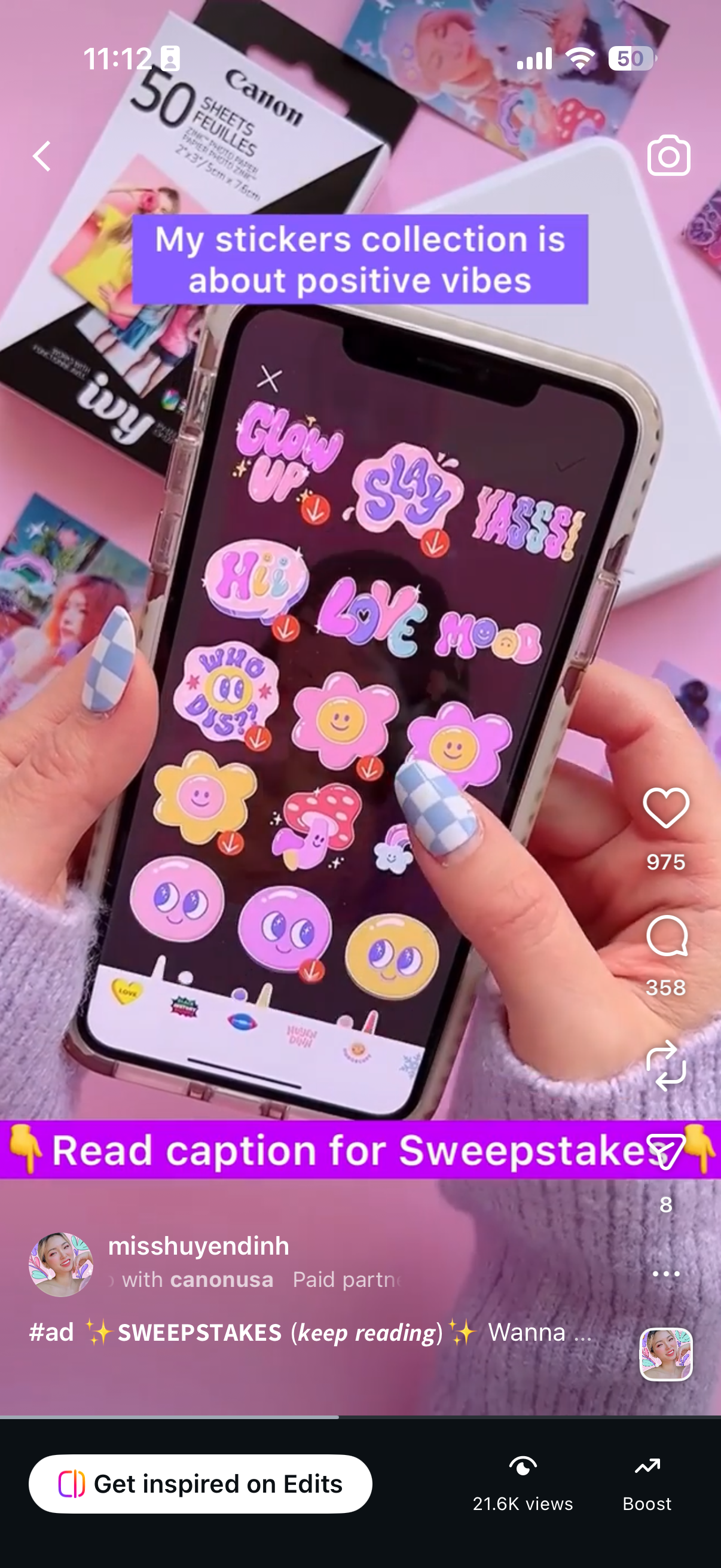
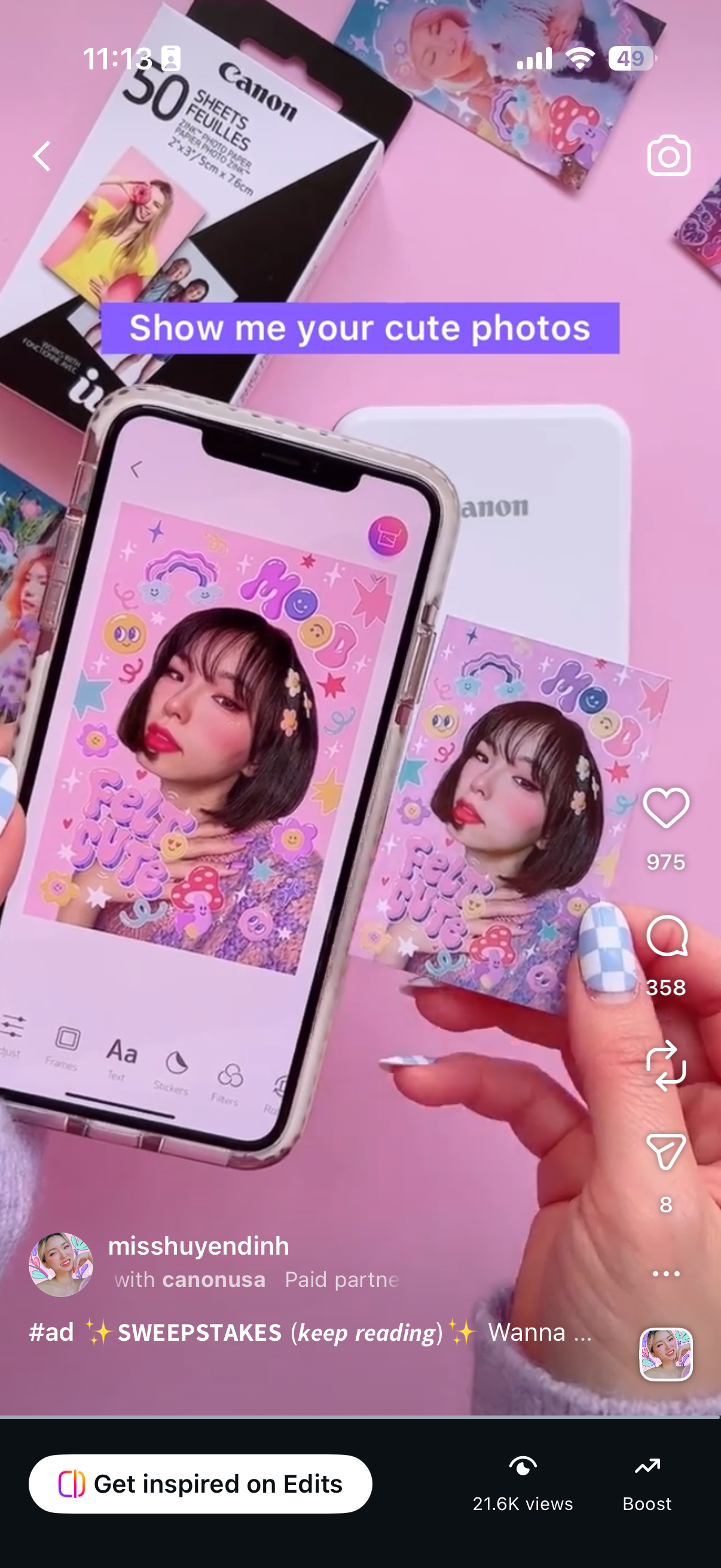
The Reel was a step-by-step tutorial showing how to customize a photo with my stickers inside the app and print it out using the Canon IVY Mini printer. Peel, print, stick. The whole experience is under 15 seconds.
The Stories
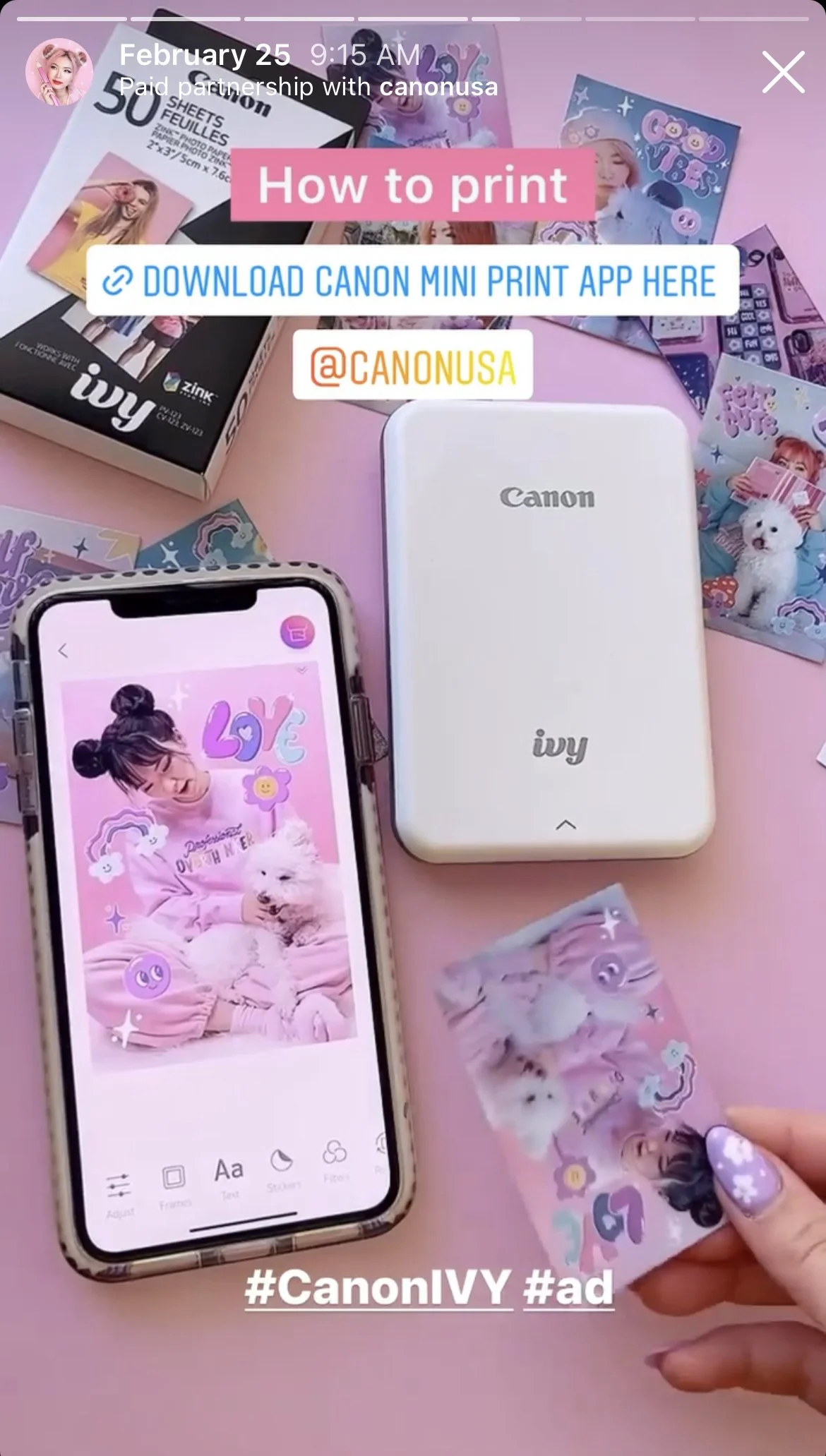
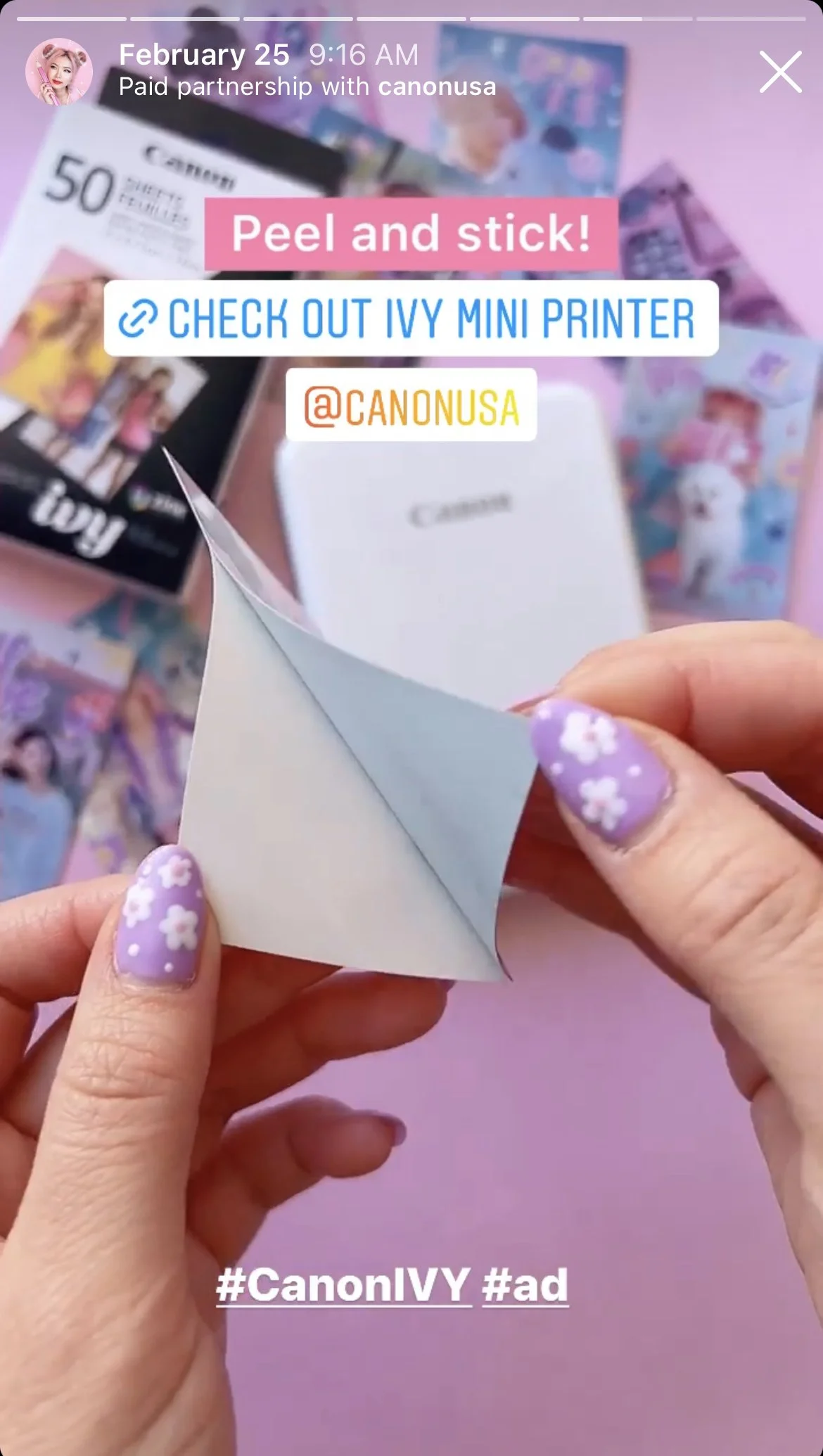
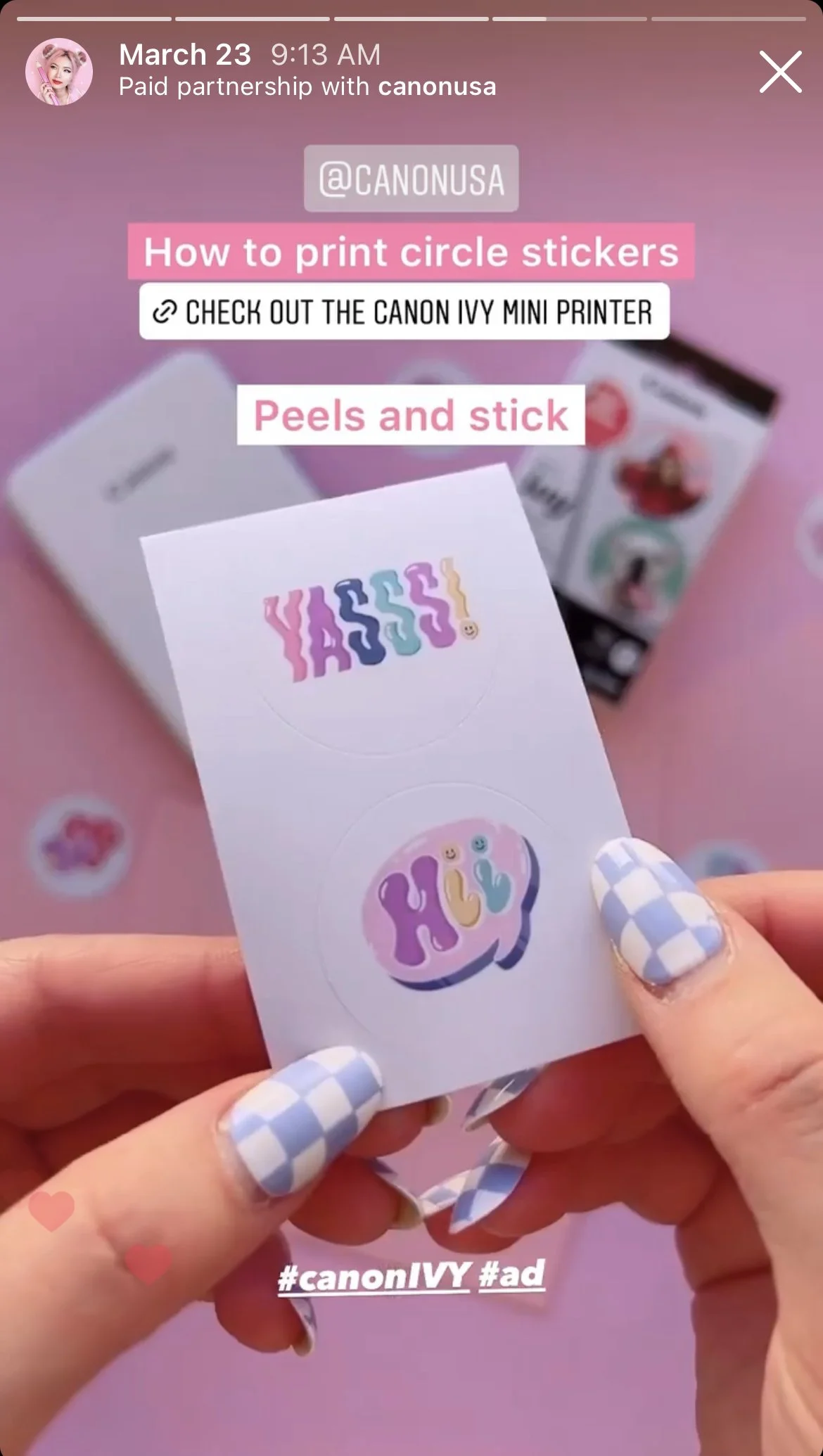
The Stories were structured as a multi-part tutorial series.
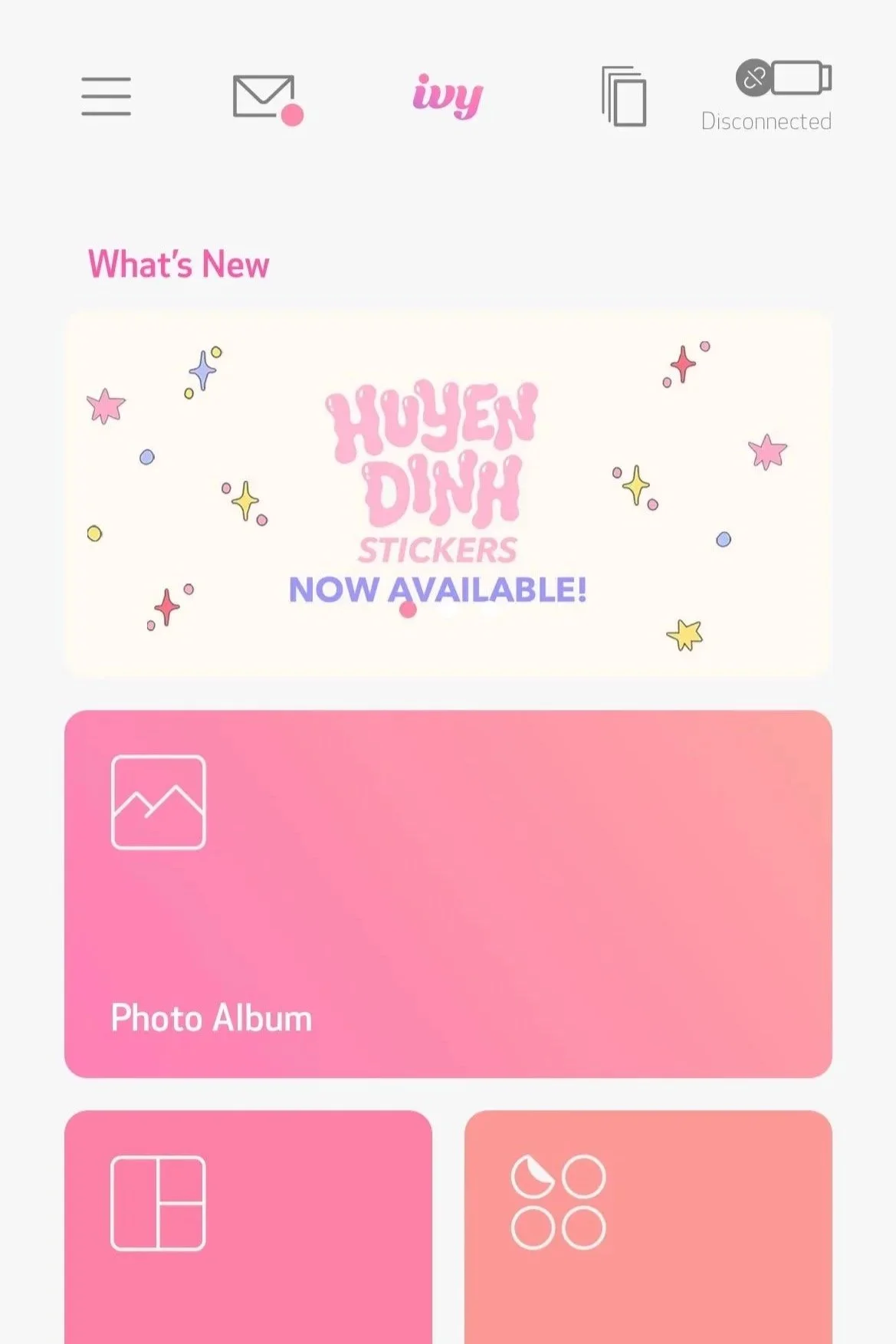
The first walked followers through the app launch moment, the sticker pack going live, how to add stickers, and how to print.
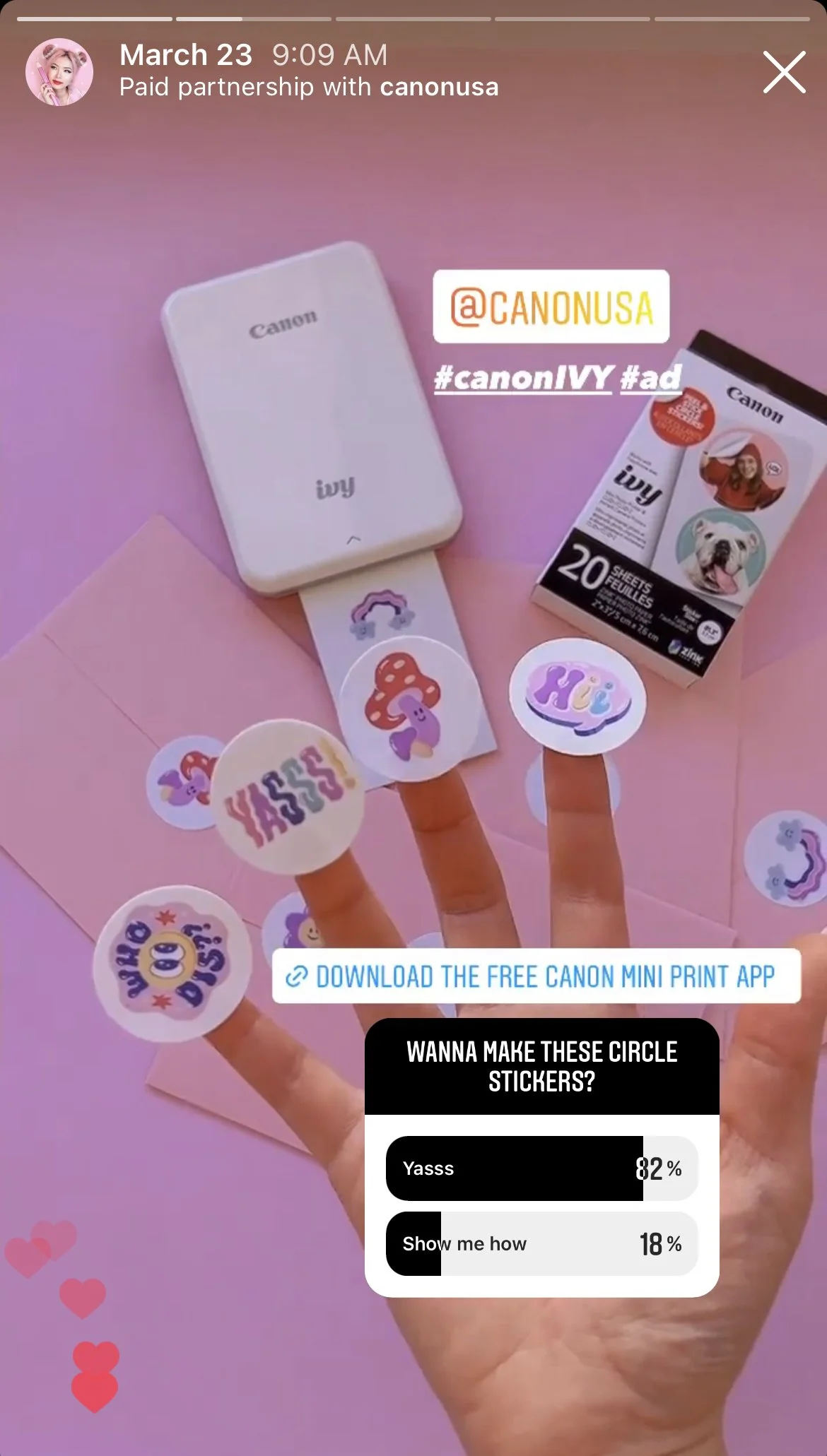
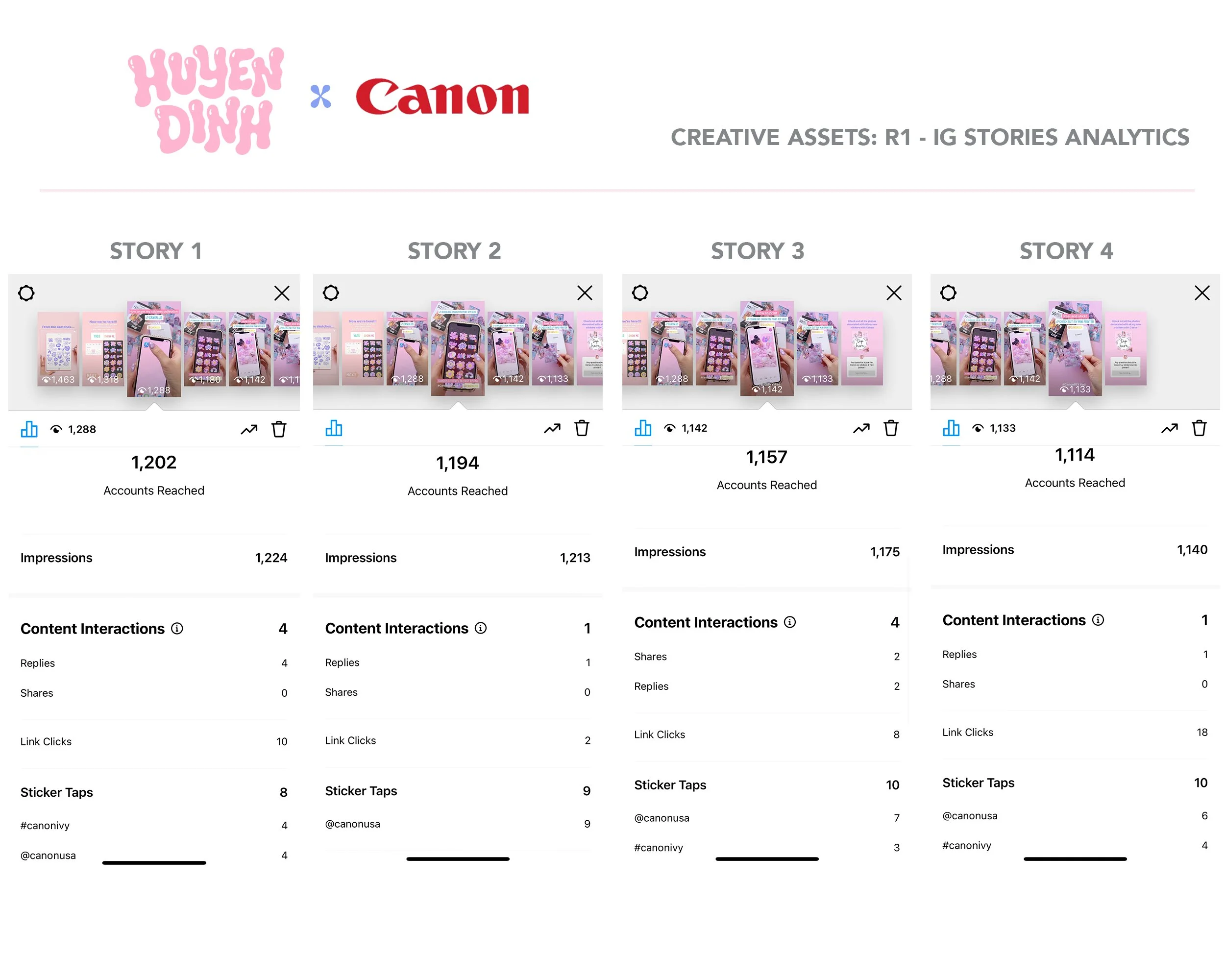
The second focused on creating circle stickers, anchored by a poll: "Wanna make these circle stickers?" 82% Yasss. Every story drove directly to the app download link.
The Outcome
The numbers told one story. The inbox told another.
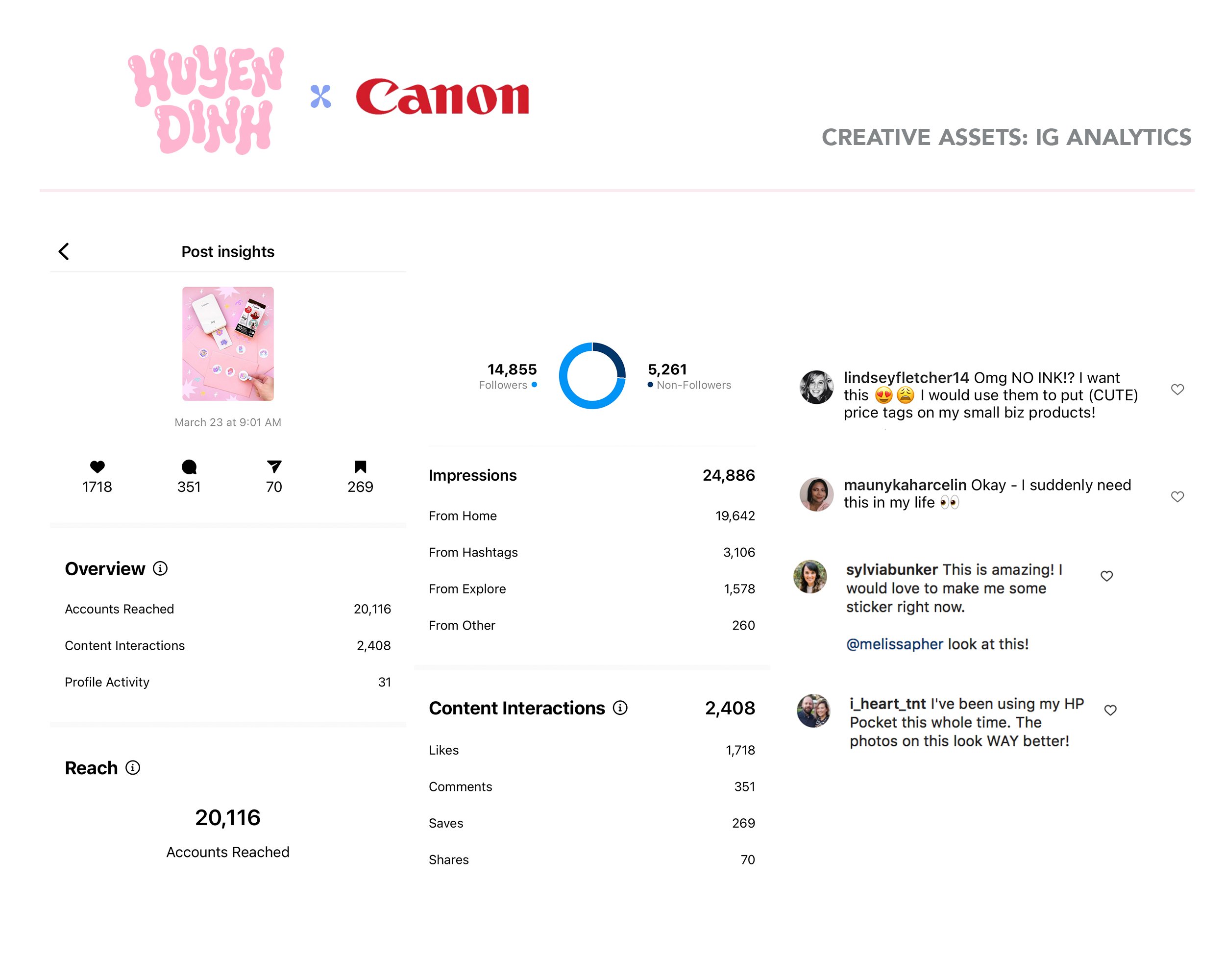
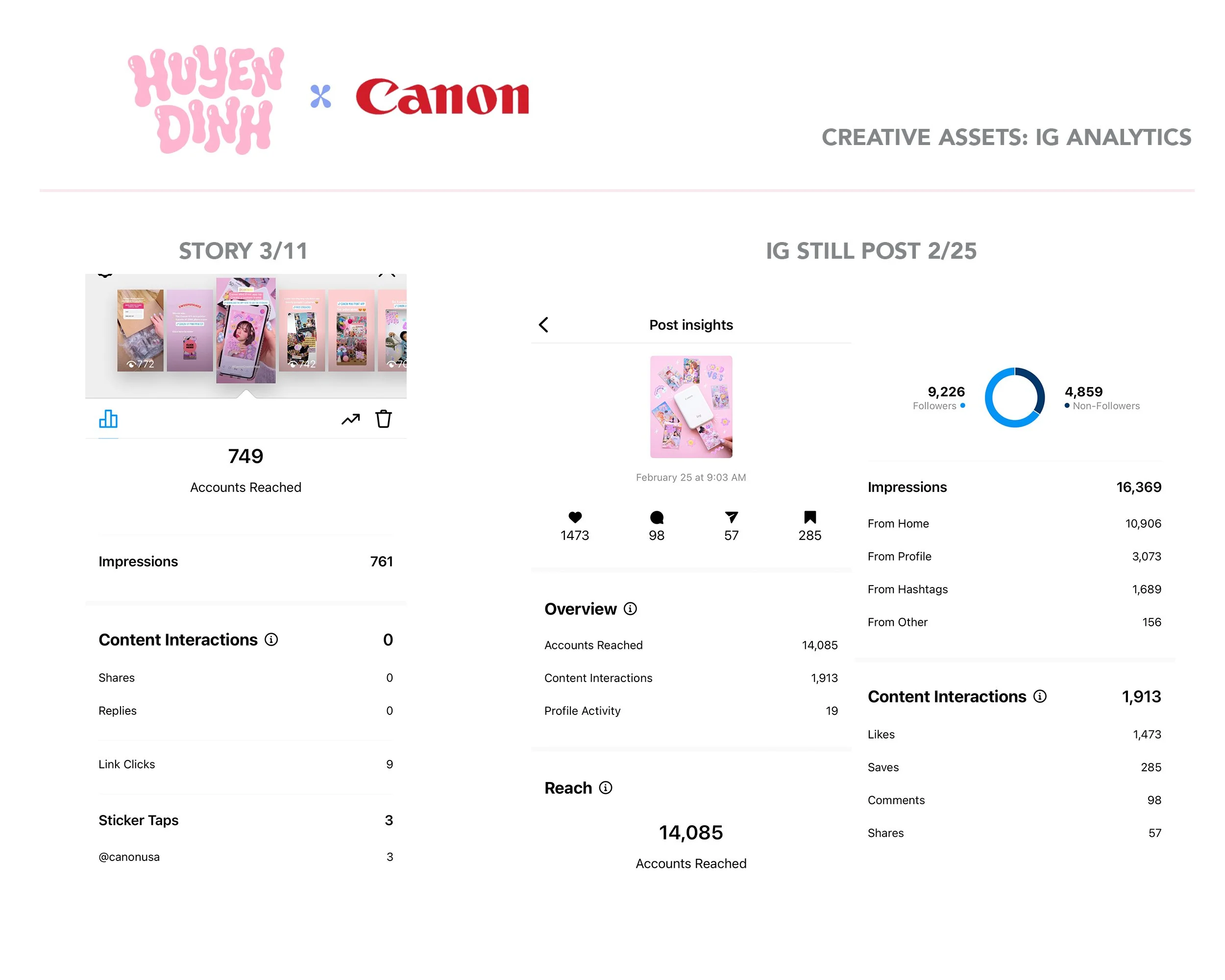
Across all posts, the campaign reached over 20,000 accounts, drove 783 saves, and generated 366 comments on the Reel alone, well above average for a branded tutorial. People weren't just watching. They were saving, tagging friends, and talking about switching from other printers entirely.
The agency confirmed the client was happy and that the collection contributed to app downloads during the campaign.
But the part that stuck with me came after the partnership ended. When the stickers were pulled from the app, the messages didn't stop, emails, DMs, users who'd found me through Canon asking if there was any way to bring them back.

“I loved the stickers you made so much, they were what inspired me to even purchase the Canon Ivy… They were the absolute cutest ones. I used them on all my photos.”